
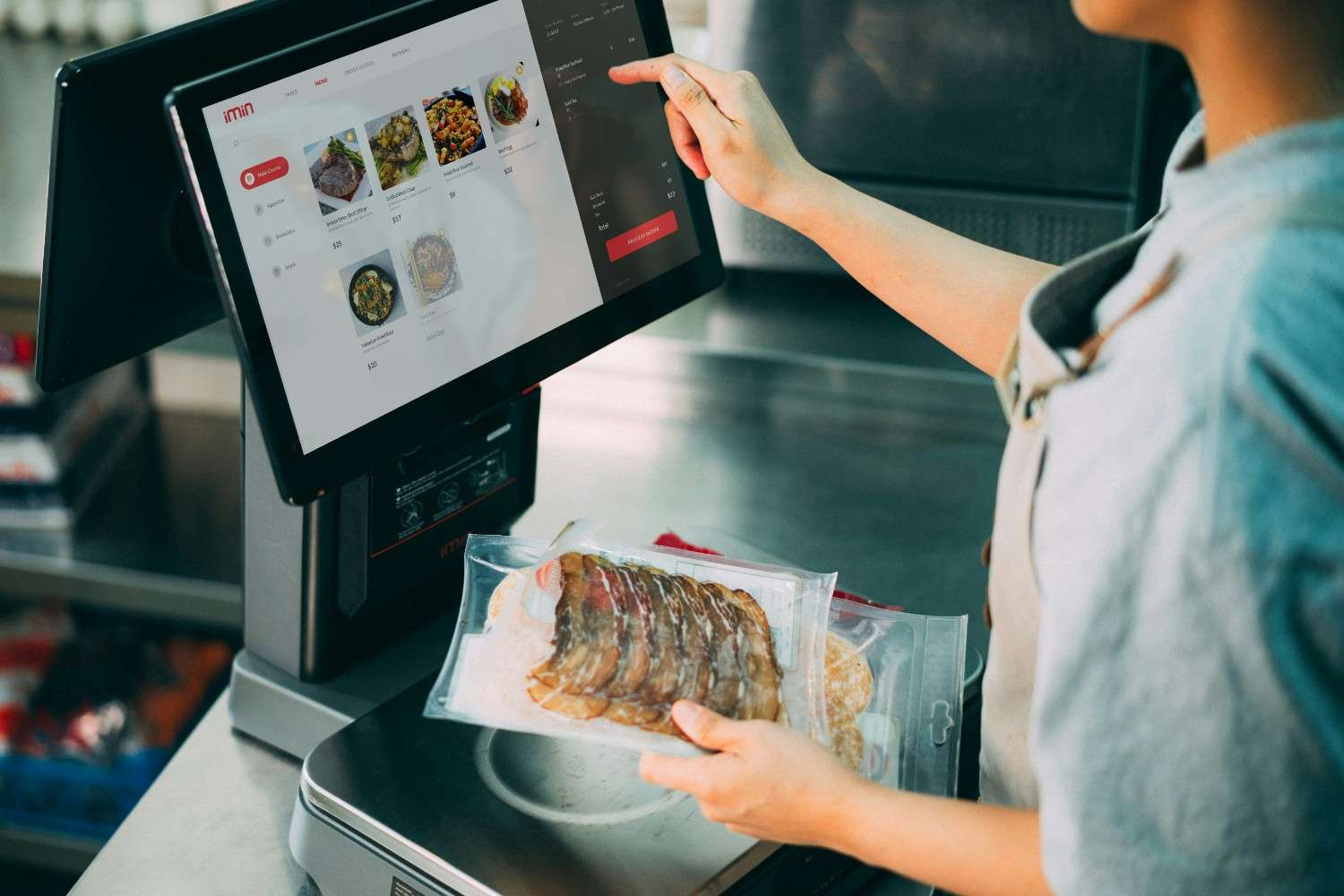
In e-commerce, the checkout page is historically known as the "Valley of Death." It’s the final hurdle where nearly 70% of potential sales vanish into thin air. Why? Because consumer patience has hit an all-time low. If your checkout flow feels even slightly slow, confusing, or outdated, your shoppers will abandon their carts faster than you can send an automated recovery email.
Optimizing your checkout isn't just about changing the color of your "Buy Now" button. It’s about creating a frictionless, "zero-thought" transition from the cart to the thank-you page. Whether your store runs on Shopify or WooCommerce, here is a deep dive into the high-impact strategies that plug the leaks in your checkout funnel and maximize your revenue.
1. The Core Fundamentals: What Every Checkout Needs
Before diving into platform-specific configurations, any high-converting checkout must solve three primary psychological barriers: speed, clarity, and trust.
Eliminate "Hidden Cost" Shock
The absolute number one reason for cart abandonment is unexpected fees (shipping, taxes, or duties) revealed only at the final moment.
- The Fix: Display clear shipping estimators directly on the cart page before checkout begins, or use sitewide header bars to explicitly state your free shipping thresholds.
Standardize Guest Checkout
Forcing account creation is an immediate conversion killer. Shoppers want a fast transaction, not a long-term relationship.
- The Fix: Make guest checkout the prominent default option. You can always invite them to create an account or set a password on the post-purchase "Thank You" page.
The Lean Form Principle
According to e-commerce UX research, the ideal checkout form should contain no more than 7 fields. Yet, the average store requires over 10.
- The Fix: Combine "First Name" and "Last Name" into a single "Full Name" field. Hide "Address Line 2" behind an optional link. Deactivate the "Company Name" and secondary phone fields unless they are strictly mandatory for fulfillment.
2. Optimizing Your Checkout in Shopify
Shopify handles millions of transactions daily, and its checkout structure is heavily optimized out of the box. However, keeping conversions high requires maximizing its newer frameworks.
Activate One-Page Checkout
Shopify's streamlined, native One-Page Checkout reduces processing steps, groups info into a single scannable view, and caters perfectly to mobile users.
- Action Step: Go to
Settings > Checkoutin your admin panel and verify that the one-page layout is active. It significantly outperforms the legacy multi-step checkout by reducing page-reload friction.
Prioritize Accelerated "Wallet" Buttons
Digital wallets reduce the checkout process to a single biometric scan (FaceID or fingerprint). On mobile devices, this simple shift lifts conversion rates by 15% to 25%.
- Action Step: Ensure Shop Pay, Apple Pay, and Google Pay are enabled. Position these express buttons prominently at the very top of your checkout flow so return shoppers can bypass address forms entirely.
Leverage Checkout Extensibility
Crucial Milestone: Shopify has completely retired the legacy checkout.liquid architecture and legacy Scripts. All modern visual and logical customizations must now be built using Checkout Extensibility.- For Plus and Advanced Merchants: Use Checkout UI Extensions to natively embed trust badges, custom delivery instructions, or gift-wrap toggles within the secure checkout frame.
- Post-Purchase Upsells: Implement app blocks natively on the Thank You page to present single-click upsells after the initial payment has successfully processed, preventing any risk to the core transaction.
3. Optimizing Your Checkout in WooCommerce
Unlike Shopify's controlled ecosystem, WooCommerce gives you complete open-source control over the checkout template. This flexibility is incredibly powerful, but it also means you are fully responsible for performance and UX tuning.
Enforce a Single-Column Mobile Layout
Multi-column layouts create massive visual fatigue on mobile screens.
- Action Step: Arrange all essential form fields into a single, logical vertical column. Ensure form input fields and buttons maintain a touch target size of at least 44x44 pixels with comfortable spacing to prevent accidental mis-taps.
Solve the Performance Bottleneck
Because WooCommerce relies on your own web hosting, heavy databases or poorly coded plugins can slow down payment page response times, driving abandonment up.
- Action Step: Deploy a robust performance and caching system (like WP Rocket) to minify scripts and optimize your checkout speed. Pair this with an image optimization tool (like Imagify) to compress product thumbnails so your checkout loads instantly.
Streamline Fields via Plugins
By default, WooCommerce asks for an extensive amount of billing information.
- Action Step: Use a dedicated extension like the Checkout Field Editor for WooCommerce or a checkout builder like CartFlows. Strip away non-essential inputs and transition your standard multi-page steps into a streamlined, high-converting one-page checkout format.
Benchmark Comparison: Shopify vs. WooCommerce Checkout
Optimization Category Shopify Implementation WooCommerce Implementation Layout Style Native One-Page Checkout (Default)Native blocks or via plugins (CartFlows / Elementor) Accelerated Payments Turn-key activation via Shop Pay & Shopify Payments Integrated via WooCommerce Payments or Stripe Gateway Form Customization Drag-and-drop Checkout Extensibility UI blocks Code-free adjustments via Checkout Field Editor extension Performance Speed Globally managed and optimized by Shopify's infrastructure Managed by user via hosting quality, caching, and optimization scripts
Next Steps for Immediate Revenue Lifts
If you want to plug the leaks in your sales funnel today, start with the lowest-hanging fruit:
- Run a Mobile Audit: Open your live store on a smartphone. Try to complete a purchase using a mock address. Is it easy to type? Do the correct numerical keyboards pop up for postal codes and phone numbers?
- Enable Address Autocomplete: Turning on Google Address Autocomplete reduces manual typing on forms by roughly 30% and vastly eliminates typos that lead to shipping delays.
- Embed Micro-Trust Signals: Place a clean, minimal "Secure 256-bit SSL Encrypted Checkout" badge or accepted credit card logos directly within 100 pixels of the primary payment fields to alleviate security anxieties.